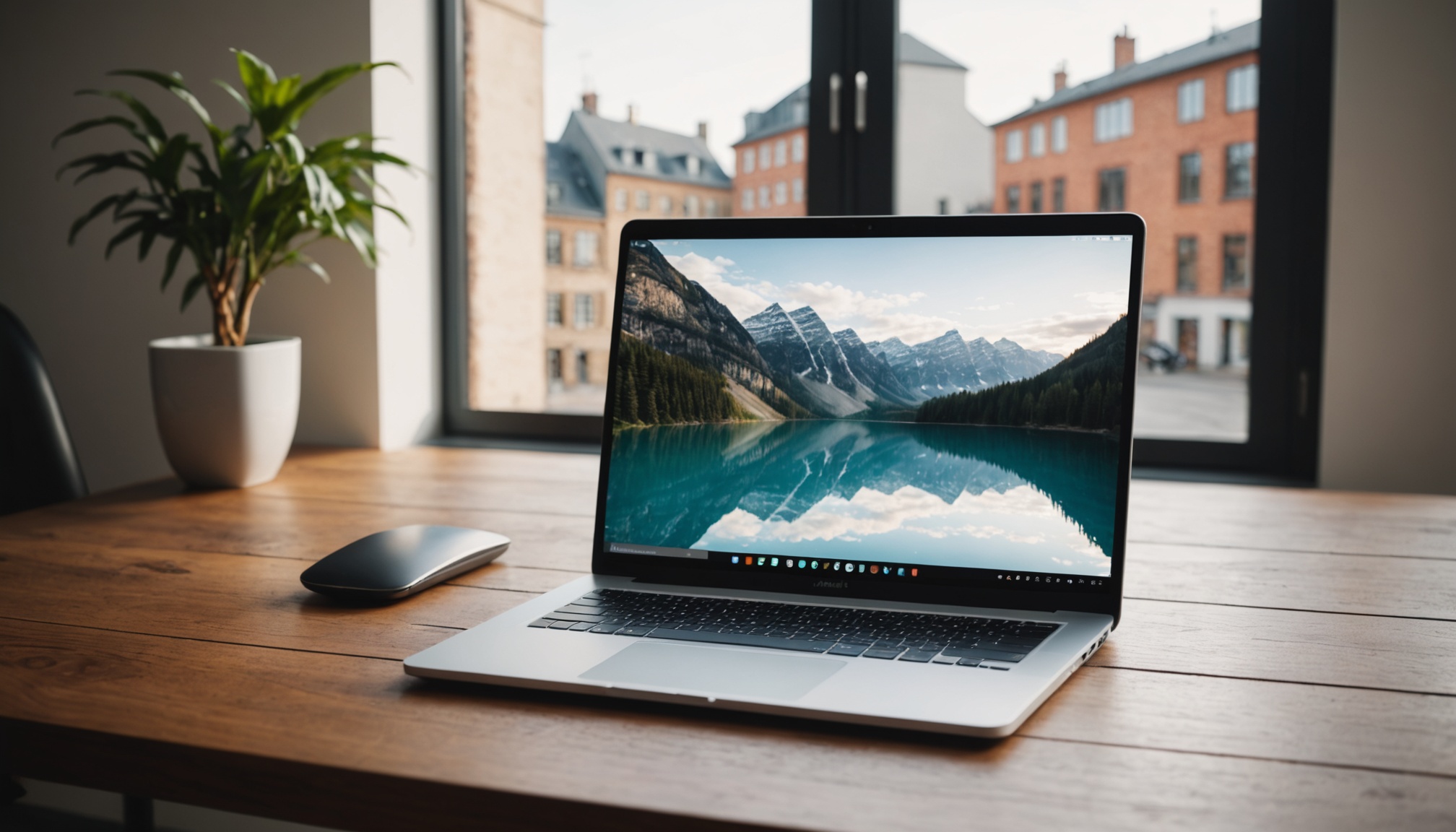
Choosing a laptop is no longer just about comparing two spec sheets at random. Between power-efficient processors, high-definition screens, and sometimes optimistic battery life claims from manufacturers, it's easy to make the wrong call on a purchase you'll typically keep for several years. Here are the criteria that truly matter, and the most common pitfalls to avoid.
Start from how you'll use it, not the spec sheet
Contents
Before looking at a single number, you need to ask yourself a simple question: what will the machine be used for? Office work and web browsing, video editing, gaming, or frequent travel don't call for the same priorities. A student who carries their device every day will prioritize light weight and battery life, while mostly stationary use at home can tolerate a bulkier format that's often more powerful for the same budget.
For anyone looking for a genuine comparison of current models, specialized retailers such as Staples offer a laptops catalog organized by use case, which helps narrow down the choice once the technical criteria have been identified.
Memory and storage: the real battleground
RAM is often the first factor behind everyday slowdowns: below 8 GB, the computer will struggle with several tabs and applications open at once. 16 GB is now a comfortable benchmark for versatile use, and becomes almost essential as soon as you get into photo editing, video editing, or local artificial intelligence tools — an area companies are exploring more and more, as shown by the growing adoption of AI in business.
On the storage side, an SSD is now the clear choice over a traditional hard drive: faster startup, better mechanical reliability, and noticeably smoother day-to-day use. A capacity of 512 GB covers most needs without constantly having to juggle available space.
Battery life: trust independent tests, not manufacturer figures
The battery life advertised on the box almost always reflects optimized lab conditions. In real-world use — normal brightness, Wi-Fi on, a few tabs open — you should expect an effective battery life of around eight to ten hours for a good recent model. Tests published by consumer organizations remain the most reliable benchmark for comparing models, far from marketing promises.
Screen, ports, and a detail too often overlooked: repairability
A Full HD panel remains the acceptable minimum; IPS or OLED provide real visual comfort for extended use. Also remember to check the available ports (USB-C, HDMI, card reader) based on your usual accessories.
One criterion has grown more important in recent years: the repairability index. Mandatory in France since 2021 for several categories of electronic products, including laptops, this score out of 10 indicates how easy it is to replace a part, the availability of technical documentation, and the price of spare parts. A well-rated device often costs more upfront, but ends up cheaper over the machine's full lifespan.
The most common mistakes
- Relying solely on the design or color of the case, while overlooking the actual configuration.
- Underestimating RAM to save a few dozen euros, at the cost of lasting slowdowns.
- Buying online without comparing several sellers or reading reviews — a caution that's all the more useful since authorities themselves are calling for caution around new automated purchasing tools.
- Ignoring the warranty and after-sales service, even though they are decisive in case of a breakdown.
- Overlooking weight for mobile use, risking abandoning the device after just a few weeks.
Online payment itself is evolving rapidly, with assistants now able to complete a purchase on the user's behalf, as highlighted by this news on AI-assisted payment: one more reason to carefully check a seller's reliability before confirming an order.
A purchase that goes beyond personal comfort
A well-chosen laptop is also a machine you keep longer, which limits unnecessary equipment turnover. Usage patterns are diversifying at a rapid pace: even the student world is adapting to new digital tools, sometimes at the cost of abuses, as shown by this AI cheating episode caught thanks to an invisible word. A reminder that good equipment remains a tool, not a miracle solution.
Frequently Asked Questions
Should you choose an SSD over a traditional hard drive?
Yes, in almost every case: an SSD starts up faster, withstands shocks better, and fails less often than a mechanical hard drive, for a price difference that has become reasonable.
How many GB of RAM are really necessary today?
8 GB is a minimum for light office use, but 16 GB offers much more lasting comfort as soon as several applications run at the same time.
How can you check that a model will be easy to repair?
By checking the repairability index displayed by the seller, a score out of 10 that is mandatory in France and takes into account the availability of parts and technical documentation.
Sources
- UFC-Que Choisir — Laptop Buying Guide
- economie.gouv.fr — Everything You Need to Know About the Repairability Index
- ADEME — How to Choose and Extend the Life of Your Computer
Author Profile
Latest entries
 Artificial Intelligence12 November 2026Imagine Enterprise: IBM and Microsoft Team Up on AI Agents for Large Businesses
 Economy11 November 2026Livret A Rate: Understanding How It's Calculated and Its Limits
 Shopping8 November 2026Black Friday: Key Dates and the Budget French Shoppers Are Planning
 Sports6 November 2026Men's Road Bike: How to Choose and Maintain One
This article was written with the help of artificial intelligence. Editorial policy