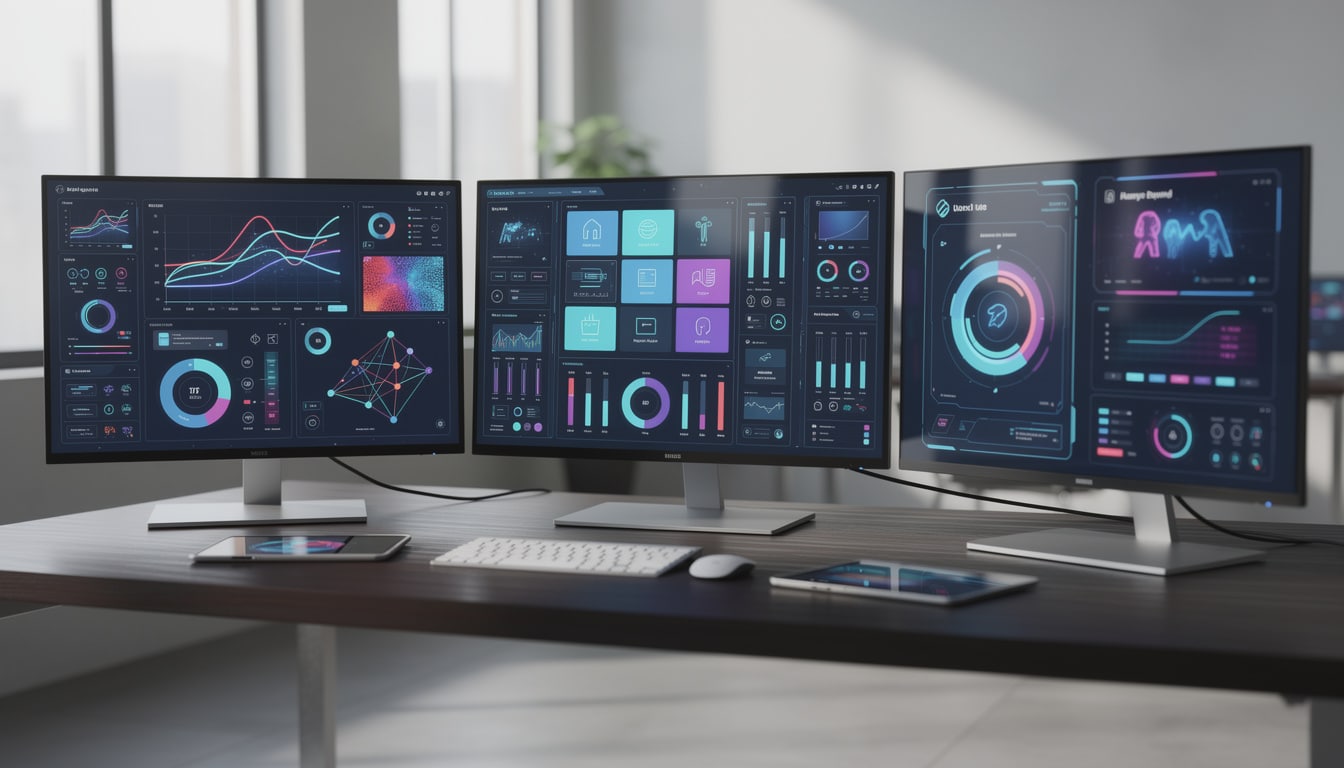
Summary: After more than a decade of experience in software engineering, I've observed that effectively managing AI agents depends less on the raw power of the models than on the quality of the graphical interface that drives them. Today, with the proliferation of AI platforms, technical teams and business decision-makers must navigate a fragmented ecosystem where ergonomics and human-machine interaction become decisive criteria for production deployment.
Brief: 🎯 Graphical interfaces for managing AI agents are evolving rapidly, and each platform takes a different approach to visualization and control. 🔧 Leading AI tools offer varying levels of abstraction, from no-code to low-code, enabling broader adoption. 📊 UX is becoming a strategic element: a poorly designed interface slows down iteration and limits the ability to operate autonomous agents. 🌐 The comparison between the various AI tools and agents shows that market leaders (CrewAI, LangChain Studio, Anthropic Console) each address specific needs. ⚡ Companies that master these interfaces gain in prototyping speed and operational reliability.
🎯 The fundamentals of a graphical interface for autonomous agents
Contents
Managing an AI agent is no longer simply a matter of sending a request and waiting for a response. Modern autonomous agents execute complex reasoning chains, call on multiple tools, query vector databases, and make decisions based on volatile contexts. The graphical interface that drives them must therefore offer far more than a text box: it must provide a clear visualization of the execution flow, transparent access to control parameters, and complete traceability of the actions performed.
A good interface for agent management rests on three pillars. First, workflow clarity: the user must immediately see how the agent handles a request, which steps it goes through, and where it might run into a blocker. Second, functional accessibility: non-developers need to be able to configure the agent's behaviors without diving into raw code. Finally, traceability and debugging: every tool call, every token consumed, every decision made by the agent must be auditable and replayable.
On the ground, during deployments in FinTech environments, I've seen teams spend 40% of their time figuring out why an agent was stuck, simply because the interface didn't clearly show the system's internal state. The impact is direct: well-designed interfaces cut that diagnostic time down to under 10 minutes.
🔍 Workflow visualization and real-time orchestration
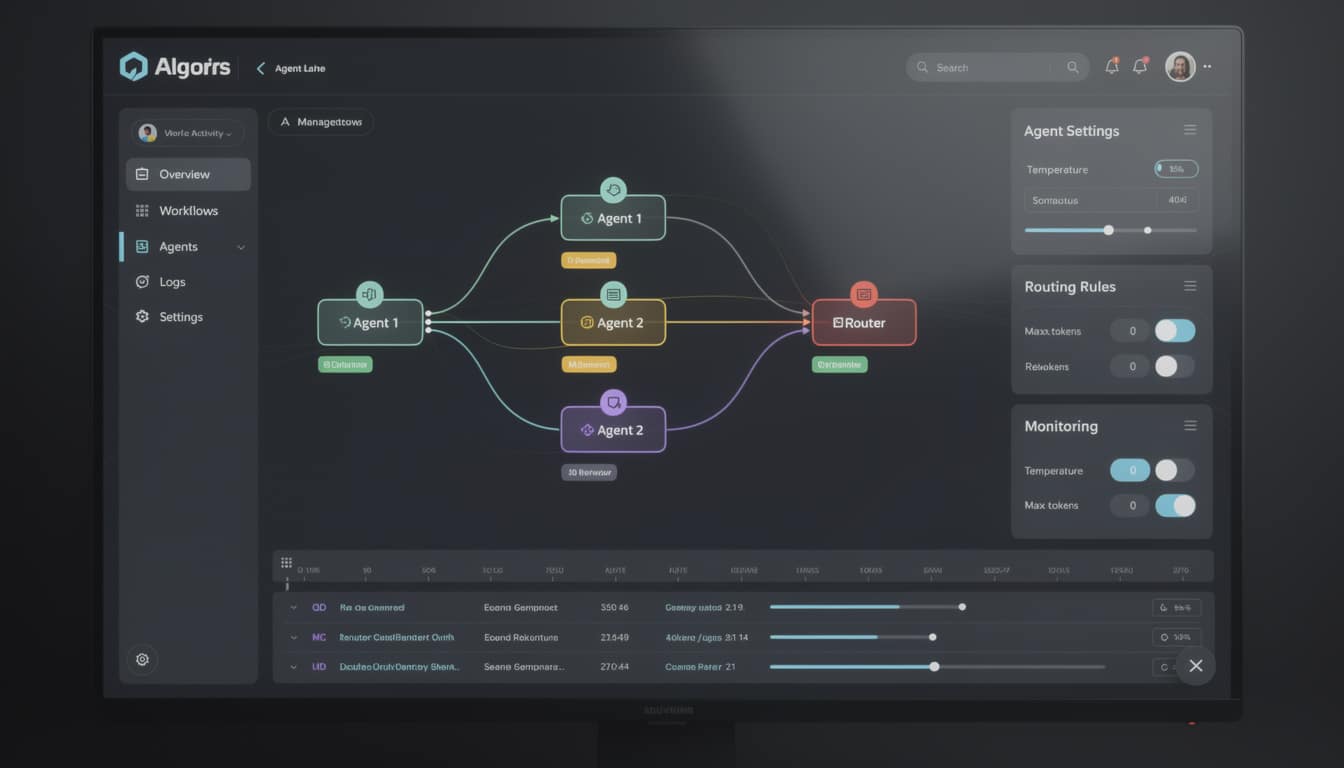
Workflow visualization is the beating heart of a modern interface for AI agents. Unlike traditional applications where the flow is linear and predictable, autonomous agents follow conditional paths, call external tools, and loop back through their own reasoning. An effective interface must show this flow dynamically, in real time, like a living graph.
CrewAI, for example, offers a visual representation of the “crew” (the team of agents) where each agent appears as a node, and the dependencies between them are immediately visible. LangChain Studio goes further by letting you see every step of a LangChain chain, with the inputs/outputs at each level. This level of transparency drastically reduces configuration errors and speeds up iteration cycles.
The real value lies in interactive orchestration: being able to adjust an agent's parameters on the fly, rerun a failed step without redoing the entire execution tree, or switch an agent to an alternative strategy. Platforms that only offer static visualization quickly lose their appeal once the prototype phase is over.
🛠️ Comparing approaches: no-code, low-code, and developer-first interfaces
The ecosystem of interfaces for AI agents splits into three broad categories, each serving a specific audience. This segmentation reflects a business reality: modern organizations need tools accessible to non-developers, but also technical depth for advanced use cases.
No-code platforms like Make.com or Zapier have expanded into AI. The appeal is immediate: build an agent without writing a single line of code. The visual interface offers pre-configured blocks, conditions, and loops. It's powerful for simple, repetitive workflows. However, as soon as you want to integrate specific business logic or a custom LLM, the limits start to show.
Low-code tools like n8n or Retool allow for a hybrid approach: you build the overall architecture visually, but you can inject JavaScript or Python code for complex steps. This is currently the sweet spot for many teams: accessible enough for business analysts, flexible enough for technicians.
Developer-first interfaces like Anthropic Console or LangChain Studio target engineers. They offer a level of control that no no-code interface can match, but at the cost of a steeper learning curve. This is where complex prompts, token optimization strategies, and multi-model chains become fully manipulable.
🚀 No-code solutions: democratization and real limits
No-code solutions have transformed what's perceived as possible in automation. No-code tools for AI agents promise democratization: anyone can build an autonomous agent. And that's true—up to a certain point.
Zapier, through its OpenAI integration, lets a small business create an agent that automatically sorts emails, generates first-level responses, and assigns complex tickets to a human. It's effective. The interface is intuitive. But what happens when the client wants to add a proprietary data source? Or implement hallucination-checking logic? The lack of technical depth becomes a bottleneck.
Make.com offers more flexibility with its webhooks and custom variables, but it's still largely geared toward deterministic workflows. Truly autonomous agents, capable of navigating uncertainty and adapting their behavior, require an expressiveness these platforms struggle to provide.
The result? No-code solutions are excellent for process automation, but insufficient for deploying sophisticated AI agents in production. It's a common misunderstanding: confusing “AI-enhanced RPA” with “true autonomous agents.”
⚙️ Low-code: the balance between accessibility and power
n8n and Retool represent the current generation of mature low-code platforms. Their strength? A graphical interface rich enough for business analysts to build complex workflows, without relegating developers to a mere support role.
Retool, in particular, has become a staple in FinTech startups and consulting firms. Its model: quickly build dashboards, forms, and internal management tools. Retool AI has added an “AI agents” layer that generates actions and responses based on context. The interface stays visual, but each block can contain JavaScript logic or calls to custom APIs.
n8n goes further in the direction of open source and flexibility. Its interface is graphical, but each node can run arbitrary code. It's powerful for DevOps teams that want full control over their agent infrastructure.
The concrete benefit: a team of 5 to 10 people (a mix of developers and analysts) can deploy and maintain a fleet of agents without resorting to a monumental architecture.
🔬 Developer-first interfaces: ultimate control, managed complexity
Anthropic Console, LangChain Studio, and tools like Marvin target the engineers who build the foundational building blocks of AI systems. These interfaces hide nothing; they expose everything.
Anthropic Console lets you interact live with the parameters of Claude models, test prompt strategies, and evaluate costs in real time. It's a research and tuning tool. LangChain Studio goes even further: it's a visual IDE for LangChain chains. You design, test, and deploy, all without leaving the platform.
What's often missing from these tools? A user experience for non-technical decision-makers. A VP of Product doesn't want to see a DAG of LangChain nodes; they want to see performance, cost, and quality metrics. Developer-first interfaces excel at one and neglect the other.
💡 Key criteria for evaluating an AI agent management interface
Choosing the right interface to pilot your AI agents is no trivial matter. You need to weigh several dimensions, balancing immediate technical needs against future scalability. These are the lessons learned after deploying agents in contexts as varied as fraud detection, contract management, and sales offer optimization.
First, observability: an interface must show, without obfuscation, what's happening inside each agent. Every tool call, every token consumed, every branching decision. Without that, you're flying blind.
Second, iterability: how long does it take to adjust a parameter, test a variant, and compare results? The best interfaces allow iteration loops of under 2 minutes.
Third, intelligent abstraction: the interface must make non-essential complexity disappear while remaining accessible for advanced use cases. It's a delicate balance.
Fourth, ecosystem integration: can you plug in your own LLM? Your own tools? Your own vector databases? A locked-down interface is a dead interface in the long run.
Finally, operational cost: not just in terms of licensing, but also infrastructure, maintenance, and the expertise required.
🎮 Ergonomics and UX: when the interface becomes a strategic asset
Ergonomics isn't a cosmetic layer; it's a direct variable in team productivity. Poor UX on an agent management interface can slow deployments by weeks.
Take a concrete example: a financial services company uses CrewAI to orchestrate a group of agents specialized in risk analysis. CrewAI's visual interface lets both quants and risk managers see the workflow. Quants adjust model parameters via an API; risk managers monitor decisions through a dashboard. This separation of roles, supported by the interface, enables smooth collaboration.
By contrast, a monolithic interface, where everyone has to navigate the same complex screen, quickly becomes a bottleneck.
A few principles that have proven their worth: contextual panels (showing details only when requested), clear progress indicators (where am I in the workflow?), and transparent error exposure (never hide a problem behind a vague message). A deep understanding of artificial intelligence helps design interfaces that truly reflect the nature of autonomous agents.
📊 Monitoring and debugging: traceability in action
Once an agent is in production, the interface must become a control center. Monitoring stops being optional; it becomes a safety and performance imperative.
Anthropic Console offers charts for latency, cost, and model usage. LangChain integrates logging and tracing hooks. The best platforms (like LangSmith, LangChain's monitoring tool) even offer predictive dashboards: alerting if the cost per request exceeds a threshold, or if response quality degrades.
The real challenge? Correlating performance degradation with root causes. An agent becomes slow: is it because the LLM is overloaded? Because an external data source is responding slowly? Because the prompt has drifted? A solid debugging interface answers these questions in minutes, not days.
🌍 Use cases and examples: agents in action
To solidify our understanding, let's look at how different interfaces behave in real-world contexts. Each sector imposes its own constraints, and the interfaces that overcome them become critical assets.
In the banking sector, an agent that validates compliance documents must be completely transparent. Anthropic Console exposes every step of the validation, allowing an auditor to trace exactly why a document was accepted or rejected. This transparency is required by regulation, but it also improves user trust.
At an e-commerce startup, an agent that optimizes prices needs to iterate quickly. Prices change daily. A low-code interface like Retool lets the data scientist adjust the pricing algorithm, while the product manager immediately sees the impact on simulated revenue. CrewAI offers an advantage here: several specialized agents (one analyzing competitors, one tracking seasonal trends, one focused on margin) work in parallel, and the interface shows how each one contributes to the final decision.
At a law firm using an agent for due diligence (in-depth document review), traceability isn't a luxury: it's a necessity. Every extracted clause, every flagged risk must be justifiable. LangChain Studio shines here by offering a complete replay of the agent's reasoning.
🔄 Multi-agent integration and complex orchestration
The real challenges emerge once you go beyond a single agent. What happens when three agents need to collaborate, hand off context to each other, and resolve conflicts?
CrewAI was specifically designed for this. Its graphical interface shows each agent, its specialty, and how they communicate. A “manager” agent orchestrates the others. This multi-agent abstraction simplifies complex architectures. Without an interface like this, managing a team of 5+ agents quickly becomes an operational nightmare.
LangChain also offers this capability through “routing” and orchestration abstractions, but its visual interface is less intuitive. This is where CrewAI gains practical ground.
For truly advanced organizations deploying dozens of agents in a highly regulated environment, custom solutions built on open-source frameworks (like Microsoft's Semantic Kernel) may be justified. But the engineering cost skyrockets.
🚀 Outlook and evolution of AI interfaces
The landscape of interfaces for AI agents is evolving at a rapid pace. In 2026, we're seeing trends that are reshaping how teams will pilot autonomous systems.
First, multimodality is gaining ground. Interfaces no longer stick to text and charts; they now incorporate video, audio, and spatial visualizations. Imagine monitoring an agent interacting with a complex web interface and seeing, live, what it “sees” and how it decides.
Next, AI applied to AI management: assistants using reflection and reasoning to optimize agent configurations. “Our AI suggests lowering the model's temperature from 0.7 to 0.5 for this task because it detects a tendency toward hallucinations.” This is already happening among top teams, but what used to be manual is gradually becoming automated.
Finally, the federation of interfaces: rather than treating CrewAI, LangChain, and Anthropic Console as three separate worlds, teams are building meta-interfaces that aggregate observability from multiple sources—a unified dashboard to pilot a heterogeneous ecosystem.
The trajectory is clear: interfaces are evolving from configuration tools into synthesis and optimization tools. Whoever masters this art gains a measurable competitive advantage.
Author Profile
Latest entries
 General27 November 2026Telethon: How Content Creators Are Reinventing Fundraising
 Food & Drink21 November 2026Beaujolais Nouveau: A Historically Low Harvest, Yet Sales Keep Climbing
 Finance20 November 2026Consumer Credit: Mini-Loans, Split Payments, and Overdrafts Face Tighter Rules
 Planet15 November 2026CO2 Emissions: Why Transportation Remains France's Climate Blind Spot
This article was written with the help of artificial intelligence. Editorial policy